Startup & Launch
Cottage Start Records
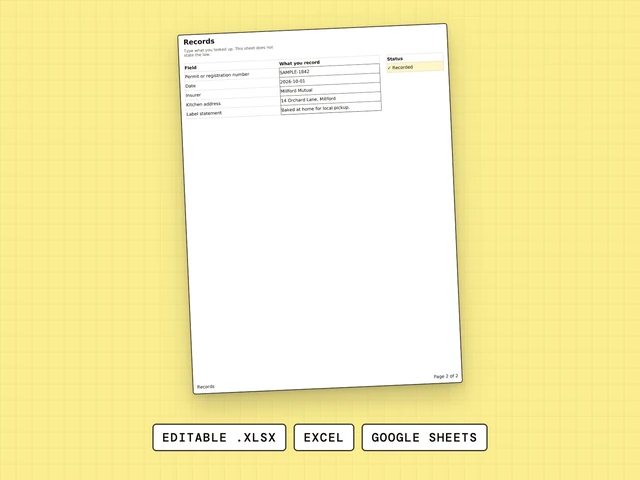
Permit number, date, insurer, kitchen address and label statement, kept in one place.
$5.99
Cottage Food Label makes cottage food labels from your own details. Type them on one tab, and the Label tab fills itself and prints exactly the label: business, product, ingredients, contains, net weight, best before and your name and address.
Need more than one sheet? All twelve are $77.00. One by one they add up to $83.91.
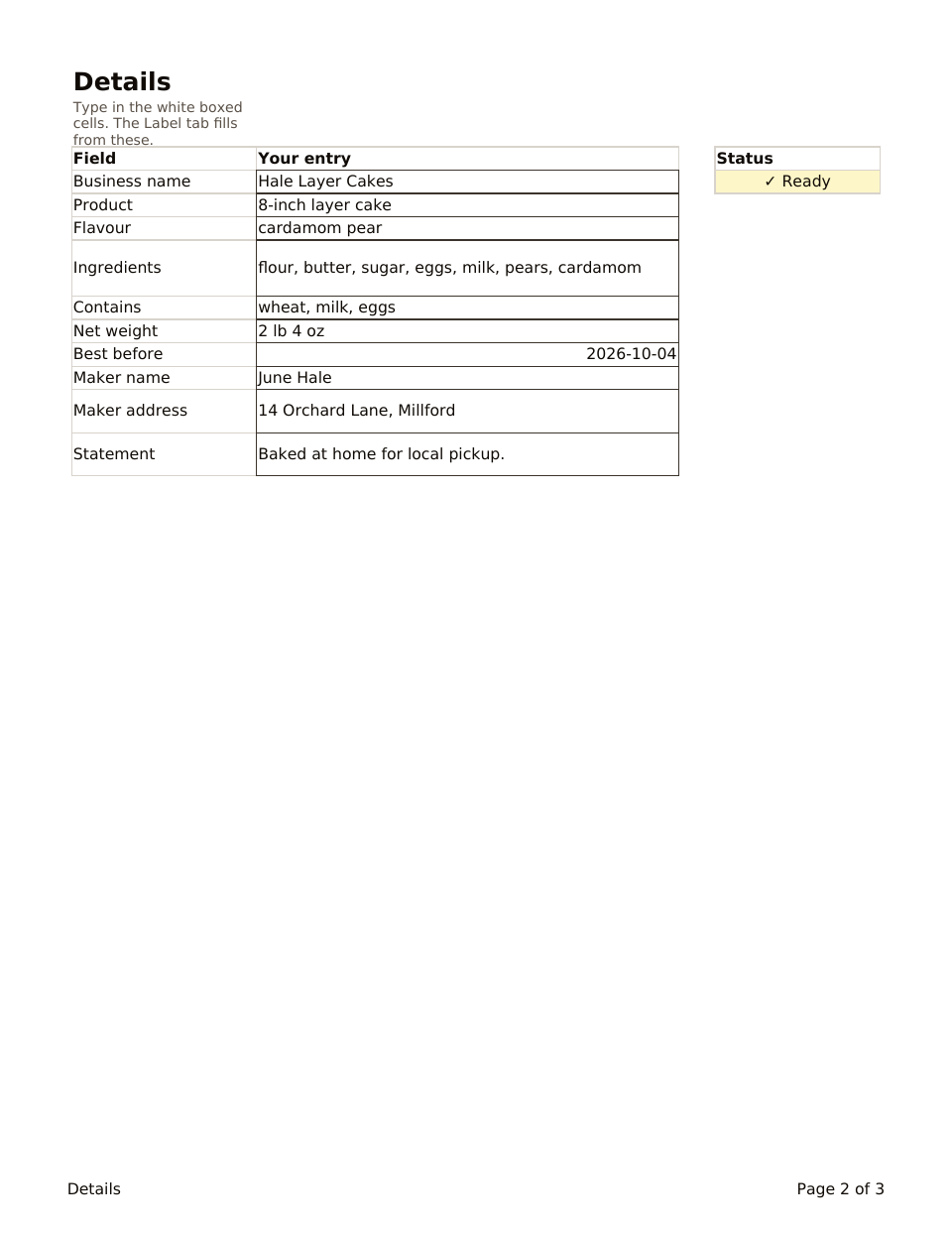
Two of three pages, whole. The file has more.
You type hereLocked formula
Cottage Food Label prints a label from one details tab. You type the business name, product, flavor, ingredients, contains line, net weight, best before date, your name and address, and your statement. The Label tab fills itself from those cells, and its print area is exactly the label, so nothing else comes out of the printer.
Business name, product, flavor, ingredients, contains, net weight, best before, your name and address, and your statement.
Each row shows Ready or Add details, as a symbol and a word, so a missing line is easy to spot.
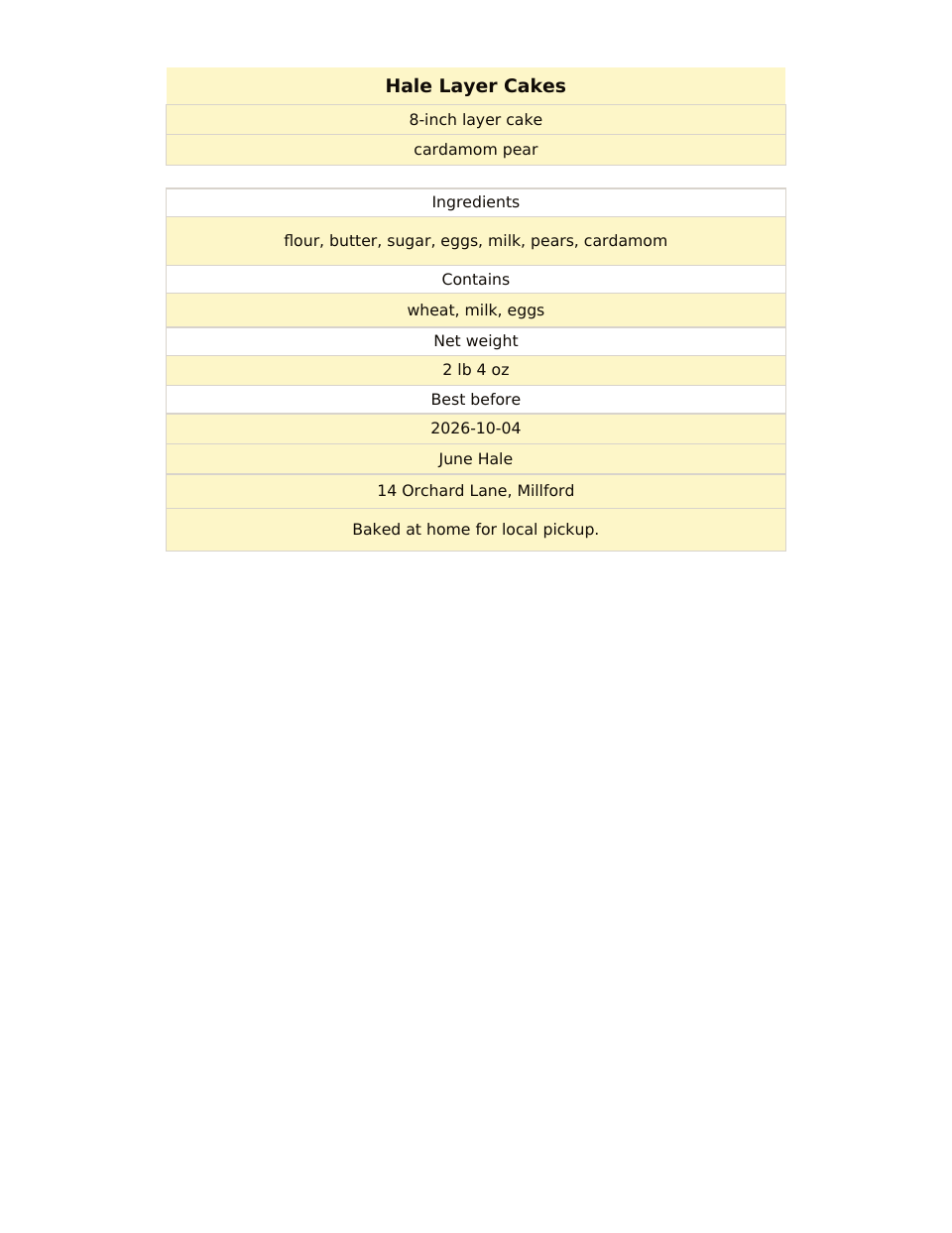
The print area is the label. Do not type on that tab; it fills from Details.
A sample label for Hale Layer Cakes’ 8-inch cardamom pear layer cake, with ingredients, contains, net weight and best before filled in.
Change the details and the label changes. There is no design program to learn and nothing to export.
The sample label is a real working one: business, product, flavor, ingredients, a contains line, net weight, best before date, maker and statement. Clear the sample range and type your own.
One details tab feeds the label, so the next cake means changing a few cells instead of rebuilding a layout.
Every label has the same lines in the same order. That makes labels for different cakes look like one bakery.
Contains is its own line, next to ingredients and net weight, so the allergen words you type are never buried.
The Label tab has its own print area. Open it, print it and you have the label, and nothing else comes out of the printer.
Excel opens the .xlsx file as it is. For Google Sheets, upload the file to Google Drive and open it with Google Sheets. There is a How to use tab in the file.
Each file stands alone. These three are the ones bakers open side by side.
Permit number, date, insurer, kitchen address and label statement, kept in one place.
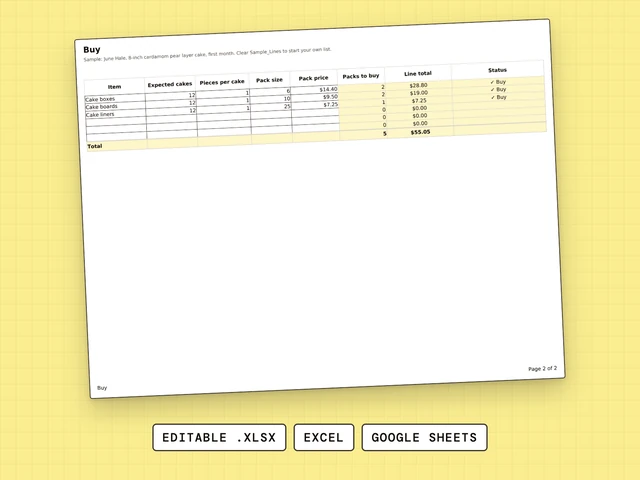
How many packs of boxes, boards and liners the first month needs.
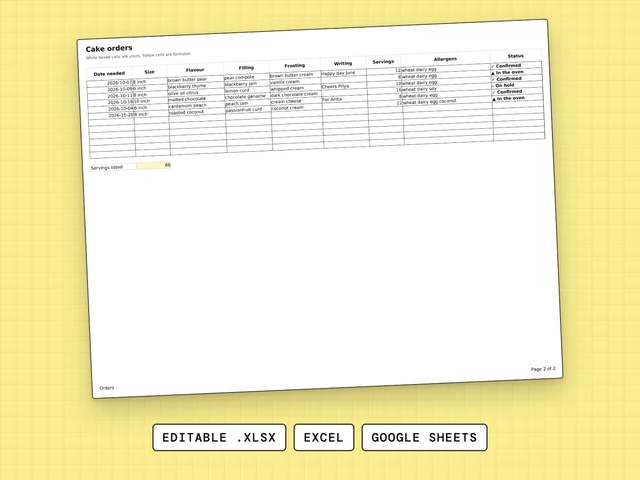
One row per cake order: date, size, flavor, writing, servings, allergens, status.
Type your business name, product, ingredients, allergens, net weight, best before date, your name and address and your statement on the Details tab of Cottage Food Label, then print the Label tab. Check your state’s rules for what the label must say.
Good labels for home baked goods carry the same lines every time: business name, product, flavor, ingredients, a contains line, net weight, best before date and your name and address. Cottage Food Label gives each one a field and keeps the layout the same on every label. It does not supply legal wording.
Cottage Food Label is not a label maker machine. It is a spreadsheet that lays out the label from your details so you can print it on the printer you already have.
The sample label in Cottage Food Label is one example. It is a filled-in cake box label with the business, product, flavor, ingredients, a contains line, net weight, best before date, maker and statement. Clear the sample and type your own.
Type your details on one tab and print the Label tab. Cottage Food Label fills the label from your details, so there is no design program to learn and nothing to export.
What a food label must say is set by law, and the rules differ by state, so look up yours. Cottage Food Label does not state the law or supply legal wording. It has a statement field where you type the wording you will use.
The required items depend on your state’s rules, and this file does not state them, so look them up where you live. Cottage Food Label gives each detail a field: business name, product, ingredients, contains, net weight, best before date, and your name and address.
Print the Label tab of Cottage Food Label on the printer you already have. The tab has its own print area, so the label is all that comes out of the printer.